

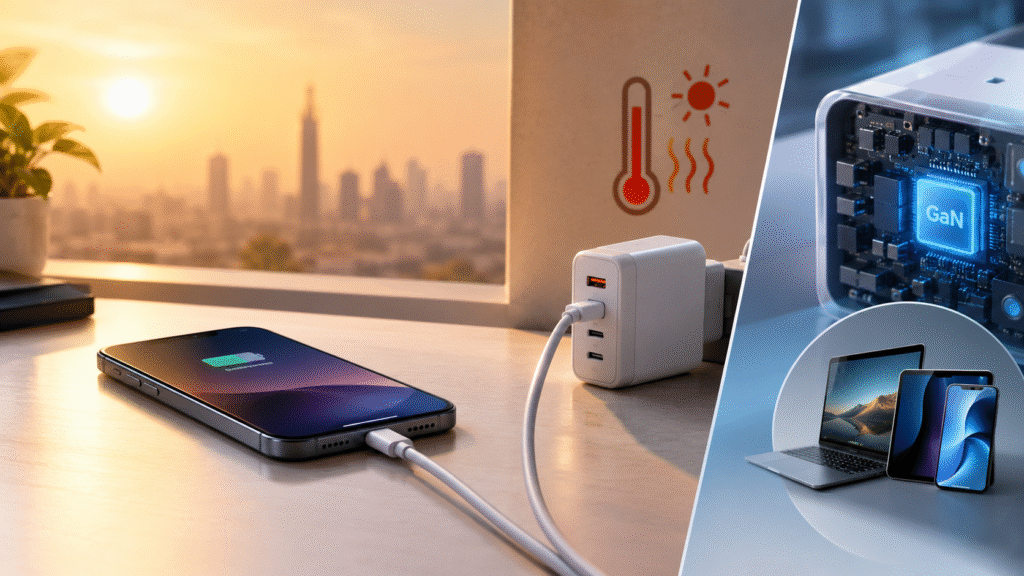
One Charger, Three Devices: Is a Multi-Port GaN Adapter Right for You?
Look at your desk or travel bag right now. There is probably a phone brick, a tablet brick and a laptop brick, each with its own cable and its own spot in the power strip. A multi-port GaN charger promises to replace that tangle with a single compact adapter. That is an appealing idea, but it works well only if you understand how port sharing, cables and protection actually behave.
This guide walks through how multi-port chargers work, how to choose between 65W and 100W, what to check before buying, and how to use one safely in warm weather.
Why Multi-Port Chargers Make Sense
Every device in your life charges over USB-C now, or close to it. Carrying separate adapters wastes space and creates clutter. A multi-port adapter lets a phone, tablet and laptop charge together from one wall socket, so you are not running three separate bricks in a warm room.
Size matters here too. Because gallium nitride produces less heat per watt, designers can switch it at higher frequencies and use smaller internal parts. That is why a 65W or 100W GaN brick is far more pocketable than a silicon one with the same rating. For anyone who works from cafes, shared spaces or a travel bag, that difference is noticeable.
The Science in Simple Words
Gallium nitride is a wide-bandgap semiconductor, with a bandgap of about 3.4 eV compared with silicon’s 1.1 eV, as Analog Devices notes. In practical terms, GaN transistors switch faster and lose less energy each time they switch. Power-supply engineers at Bel Fuse add that GaN has no body diode, removing a loss mechanism silicon designs struggle to avoid.
Lower conversion losses can mean less heat, and some well-designed GaN power supplies can reach efficiencies of up to about 95%, depending on design and operating conditions. There is one honest caveat, though. A compact body has less surface area to shed leftover heat, so a GaN charger is not a cold charger. It is a charger that starts with less heat to manage.
How Port Sharing Works
Here is the part many buyers miss. A 100W rating on a multi-port charger usually describes total capacity, not what every port delivers at once. When several devices are connected, the power is typically divided between ports. That is why it is smart to check the port by port power split before buying.
Think of it like a water tank feeding several taps. When only one tap runs, it can flow at full strength. When all three open, each gets a share. So if you plan to charge a laptop, a tablet and a phone together, check how the adapter divides power in that exact situation, and whether each port still gets decent power.
A quick check list:
- Printed total wattage on the adapter.
- Power split when multiple ports are used.
- Which port is intended for a laptop.
- Whether the product page lists these details clearly.
Negotiation Keeps Devices Safe
USB Power Delivery lets the charger and each device agree on voltage and current, and a device can reduce its intake when it heats up. A 100W rating does not mean your phone receives 100W, because the phone negotiates the power it can accept. This is also why a 100W adapter is not dangerous for a phone that charges at 25W, provided the charger supports compatible standards.
For multi-device use, this negotiation is helpful. The phone takes what it needs, the tablet takes its share, and the laptop uses the remaining capacity within the limits of the adapter’s design.
65W or 100W?
The right choice depends on what you charge.
- A GaN charger at 65W covers most phones, tablets and many thin laptops, and it is lighter for daily carry.
- A GaN charger at 100W makes sense for a larger laptop, or for a desk setup where several ports are in use and each still needs decent power.
If your laptop is thin and you mostly add a phone, 65W may be enough. If you carry a larger laptop or often charge three devices at once, 100W gives more room. Remember that more headroom is about flexibility. It does not make smaller devices charge faster than their own limits.
You can compare both wattages in the GrunX charging adaptors collection.
Cables Can Quietly Limit You
A powerful adapter with a weak cable is a common reason for slow charging. Charging at 100W over USB-C needs a cable rated for it, since ordinary cables cap out at lower power. If you plan to run a laptop at higher wattage, pair the adapter with a 100W-rated USB-C cable. For phones and tablets, a cable matching the device’s requirement is the minimum.
When buying a set, treat the adapter and cable as one system. A mismatch in either can make a good charger look disappointing.
Warm Weather and Multi-Device Charging
Charging three devices together puts more load on an adapter, and more devices means more heat in one spot. In hot climates, the surroundings add to the problem. Apple’s support guidance says iPhones and iPads are designed for ambient temperatures between 0° and 35°C, and very hot conditions can permanently shorten battery life.
A few habits keep things sensible:
- Place the adapter in open air, never under a pillow, blanket or inside a bag.
- Avoid charging all devices on a sunny windowsill or in a closed car.
- Take thick cases off phones that feel hot during fast charging.
- Let a device cool if it shows a temperature warning.
- Unplug the adapter from hot, enclosed spaces when you are done.
Operating below the maximum may reduce a charger’s workload, but its temperature depends on efficiency, design, ambient temperature and power demand, so no multi-port unit should be treated as heat-proof.
Protection Features to Look For
Look for over-temperature, short-circuit and over-current protection listed in the specifications, rather than vague wording. With several ports active, these protections matter more. An example of a multi-port unit to review is the Nothing 100W GaN fast charger adapter with three ports. Check its product page for exact specifications, including the port split, before you decide.
If any charger becomes unusually hot, smells burnt or shows signs of damage, unplug it and stop using it until it has been checked or replaced.
Is It Worth It?
For most people with more than one USB-C device, yes. One adapter means fewer plugs, less clutter and an easier travel bag. But the value depends on picking the right wattage, understanding the port split, matching cables and choosing documented protections. The best multi-port GaN charger for you is the one that fits your devices, not the one with the biggest number on the box.
Want to understand how hot weather affects charging speed and how GaN technology fits into the picture? Read our complete guide to the GaN Fast Charger Adapter 100W and hot-climate charging on GrunX.
For more chargers and cables, browse the GrunX